One-tap emergency
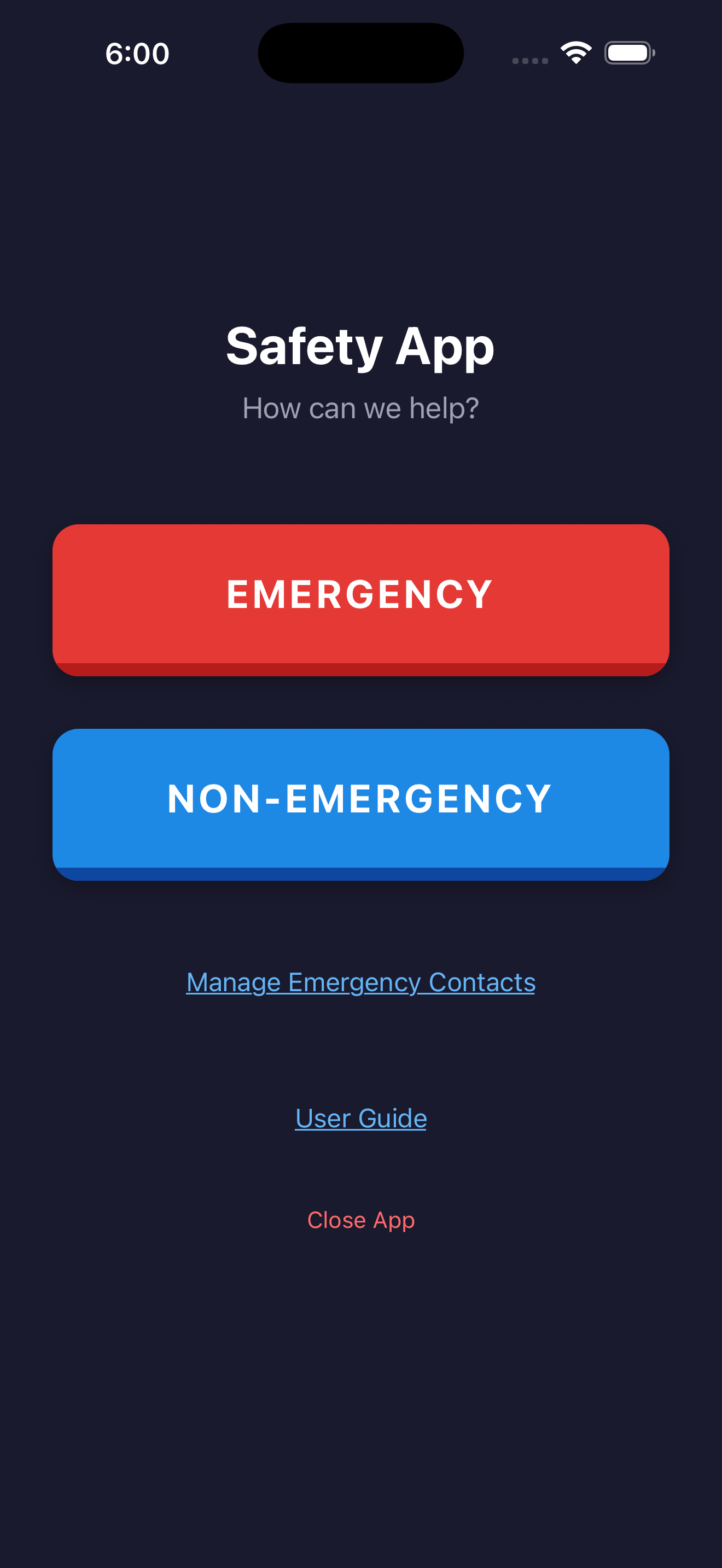
Press the red button. SMS goes out to every saved contact with a live Google Maps link. Video recording starts automatically.
HELP Ping sends your live location and a 2-minute video to the people you trust — with one button, on standard SMS, with nothing leaving your phone unless you ask it to.
$9.99 per year. One fee, paid annually. No hidden charges, no in-app purchases.
Personal safety isn't about reacting in the moment — it's about being ready for it. Spend three minutes now so you don't have to think later.
Identify three to five people who'd respond if you needed help. Family, friends, neighbours — anyone close to where you usually are.
Who to chooseInstall HELP Ping, add your contacts, allow the permissions. $9.99 per year — no account to create, no in-app purchases. The whole setup takes under three minutes.
How it worksLet your contacts know they're on your list, what an alert from you will look like, and how to respond. A two-minute conversation now saves precious time later.
What to sayEvery screen is one tap from action. No menus to navigate. No setup mid-emergency. The app is intentionally boring — until it isn't.
Press the red button. SMS goes out to every saved contact with a live Google Maps link. Video recording starts automatically.
Your contacts watch your position update in real time on a map — every 3 seconds, or every 5 metres of movement.
Up to two minutes of video and audio is recorded the moment you trigger an alert. Saved to your photo library and sent to your contacts.
Just want someone to know where you are? A second button shares location only — no recording, no alarm, no audio.
Add as many people as you want. Stored locally on your device. Edit, reorder, or remove them at any time.
Alerts go out as ordinary text messages. As long as you have one bar — even with no Wi-Fi or data — your contacts get the message.
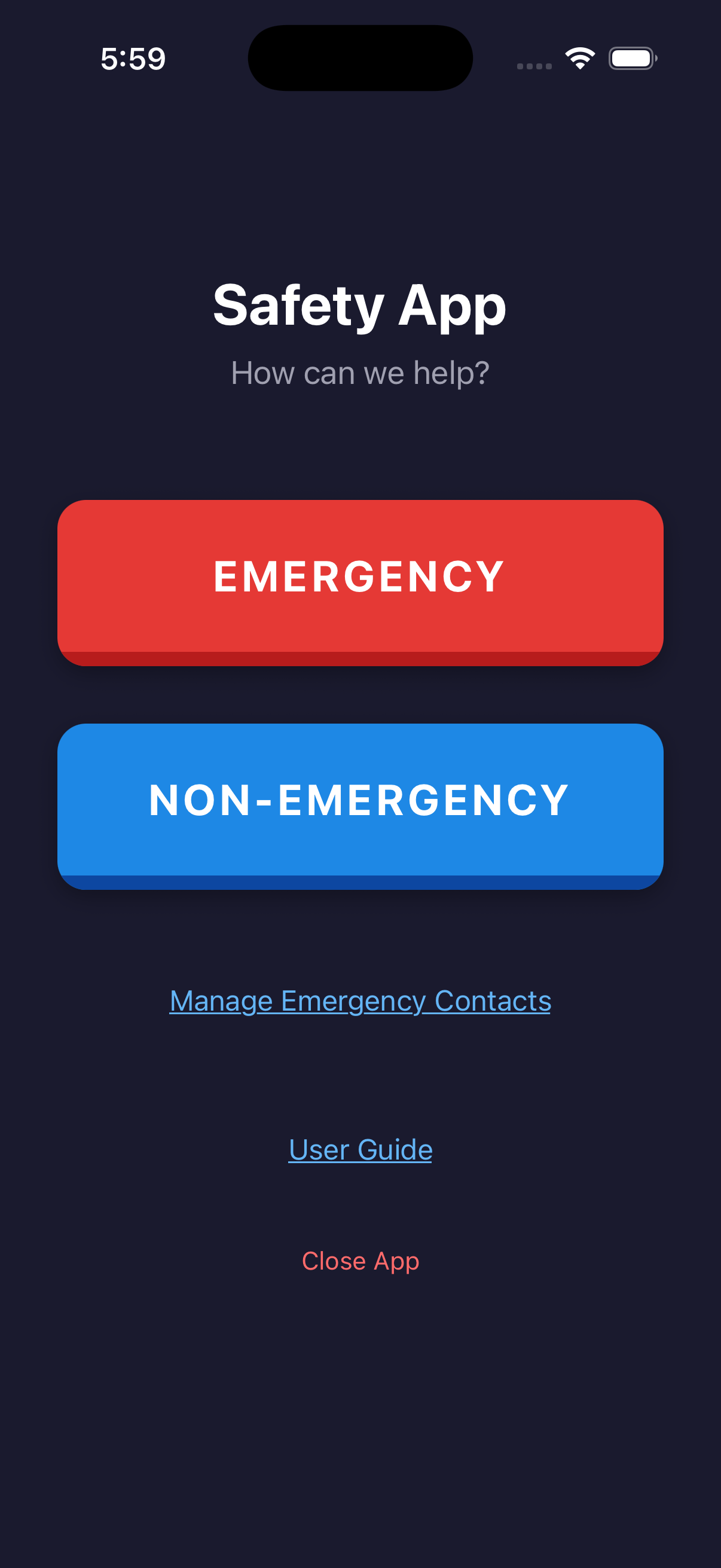
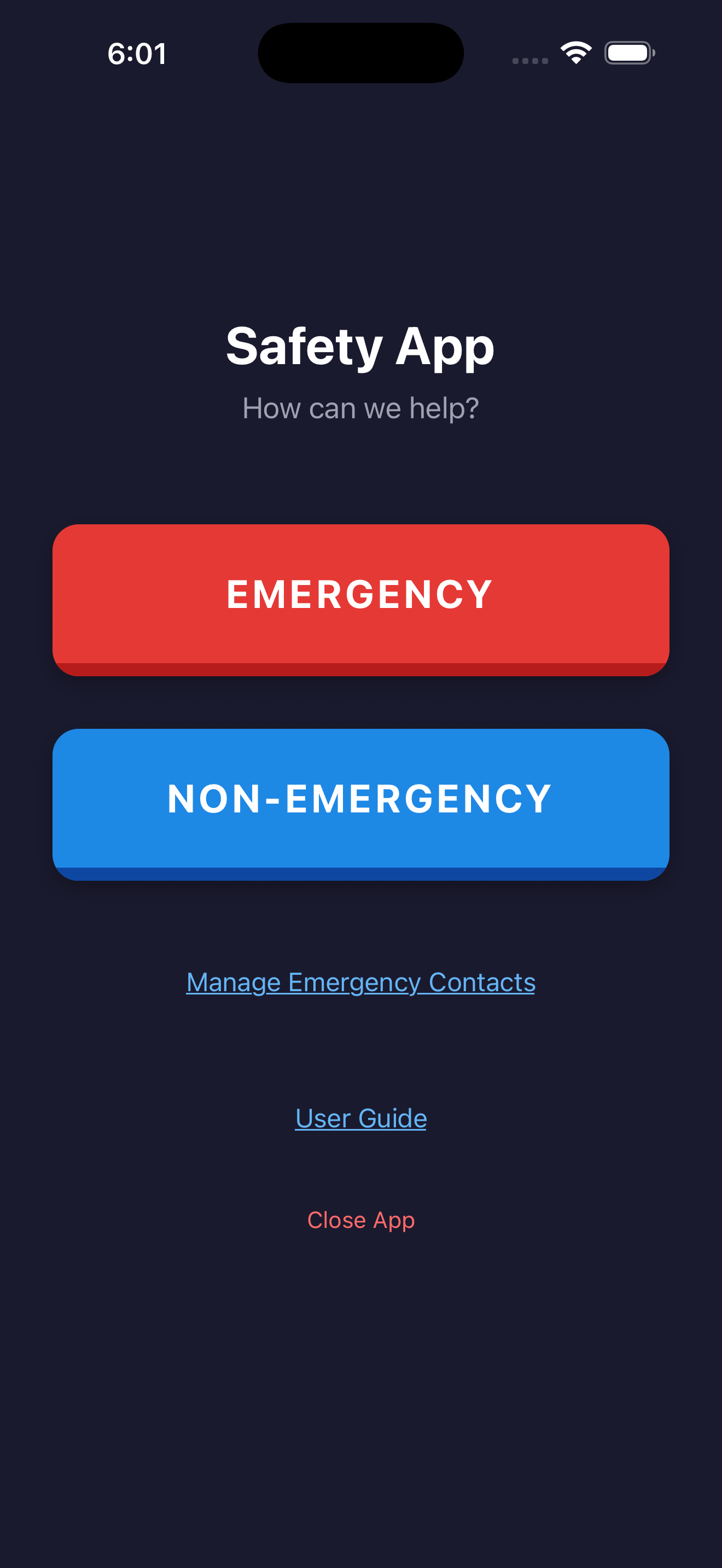
Two big buttons. One big map. No settings to find, no menus to navigate.
Most safety apps require an account, a backend full of your data, and a privacy policy you have to take on faith. HELP Ping doesn't. There is no account. Your contacts, recordings, and history never leave your device. When you press the button, a one-time tracking link is created — and deleted automatically when the alert ends.
When you press the button, your phone opens a tracking session: a short, unguessable link is created, and your live coordinates are forwarded to it for the duration of your alert. Your contacts open the link in any browser and see your location in real time. When the alert ends, the session is destroyed — no account, no log, no analytics, nothing kept.
HELP Ping exists for one reason: to shorten the moment between feeling unsafe and reaching the people who can help. Most safety apps make you sign up, hand over your data, or trust a server you've never heard of. This one doesn't. One button. Your contacts. A real text message. Built for anyone in the family, and refined a little more every day.
$9.99 per year. One fee, paid annually at purchase — no in-app purchases, no premium tier, no upsells. The price keeps the app maintained and supported without ads or selling your data.
The SMS alert itself only needs cell signal. The live-tracking link needs a mobile data connection on your end to push your location updates, and your recipient needs data on their end to view the map. If you have signal but no data, your contacts will still receive your alert SMS with your starting location — they just won't see your position move.
The emergency button does require an intentional press, but mistakes happen. If you trigger it by accident, send a quick follow-up text to your contacts. There is no platform side that needs anything undone — there is no platform side.
To your iPhone's local Camera Roll. The app also offers to attach the recording to the SMS thread so contacts have a copy.
Yes — set it up on their phone, add yourself as a contact, and show them the red button. The app is built to be usable by anyone who can unlock a phone.
The iPhone version is live on the App Store now. An Android version is in progress — email us if you'd like to be notified when it ships.
No, and it's not designed to. HELP Ping reaches the people you have already chosen to trust. In a life-threatening situation, always call your local emergency number first.
Available now on the App Store. $9.99 per year, no account required.
Download on the App Store